Compliance · 6 min read
Do you need a cookie banner for website analytics?
A plain-language look at GDPR, ePrivacy and CCPA, and when privacy-first analytics lets you drop the cookie consent banner.
By the StaTrak team ·

Cookie banners are among the most-ignored pieces of interface on the web. Many site owners only show them because their analytics tool needs them. So the obvious question is: if you change how you measure traffic, can the banner go?
Why banners exist in the first place
In the EU and UK, the ePrivacy rules require consent before storing or reading information on a visitor's device, unless it is strictly necessary for the service they asked for. Analytics cookies are not strictly necessary, so they need consent. GDPR adds a second layer: if you process personal data, such as an IP address or a persistent identifier, you need a lawful basis for it.
What changes with cookieless analytics
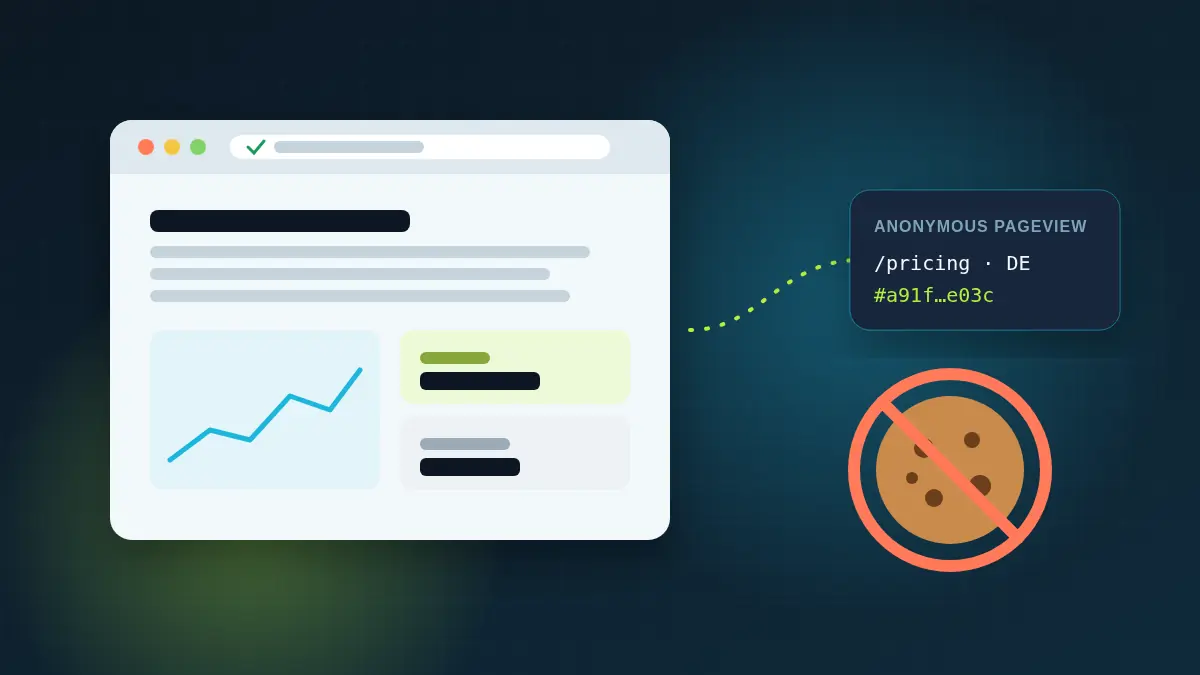
- No cookies or local storage are used, so nothing is stored on or read from the visitor's device for tracking.
- IP addresses are used only transiently to derive a country and an anonymous daily hash, and are never stored.
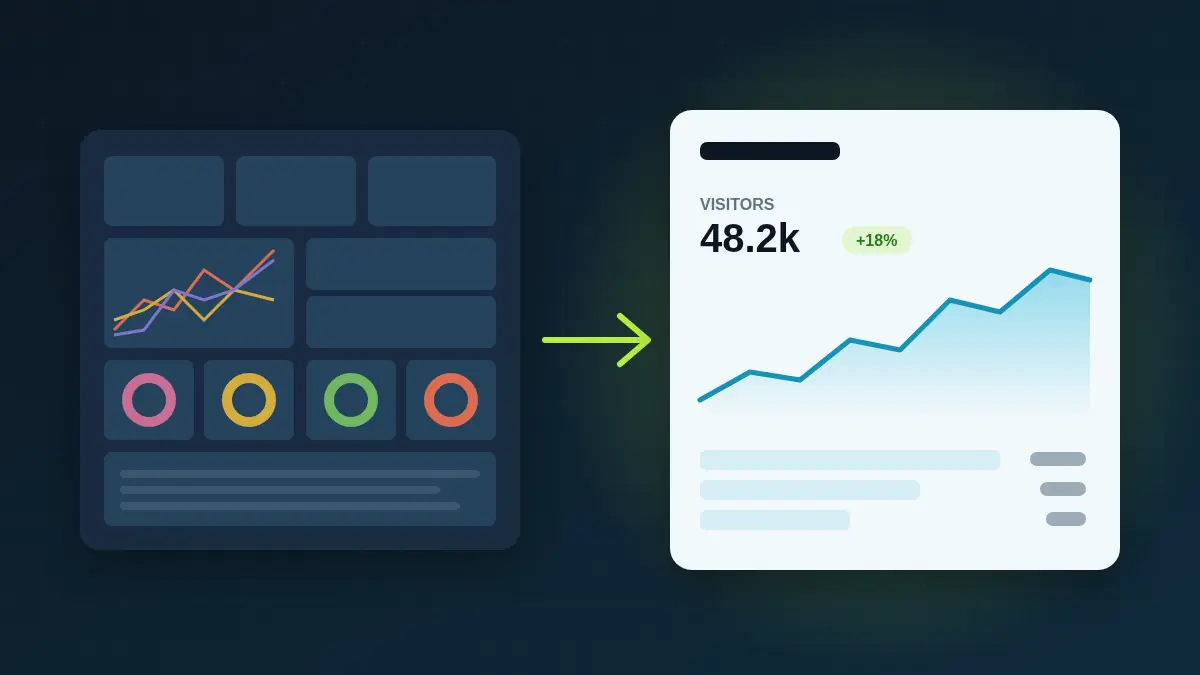
- Data is aggregated: you see counts of visitors, not records of individuals.
- There is no cross-site or cross-day tracking, and data is not shared with ad networks.
Many privacy regulators and lawyers consider analytics built this way to fall outside the consent requirement, and a growing number of sites run them without a banner. Some regulators take a stricter view, so it's worth checking guidance in the countries you serve.
California and the US
US privacy laws such as the CCPA focus on the sale and sharing of personal information. Aggregated, first-party analytics that is not shared with advertisers is generally low-risk under these laws, but your privacy policy should still describe what you collect.
A practical checklist
- List every script on your site. The banner is needed for the most invasive one, not the least.
- Replace cookie-based analytics with a cookieless tool.
- Remove or relocate other third-party tags (ad pixels, chat widgets) that set cookies.
- Update your privacy policy to describe your analytics in plain words.
- Re-check with your advisor before removing the banner entirely.
Even if you keep a banner for other reasons, cookieless analytics still pays off: your traffic numbers stay complete whether or not visitors click "accept".