Guides · 8 min read
Who is cookieless analytics for? A guide to choosing your analytics
Shops, bloggers, agencies, SaaS teams, nonprofits and EU businesses use cookieless analytics for different reasons. Find out which features matter for you and how to choose.
By the StaTrak team ·
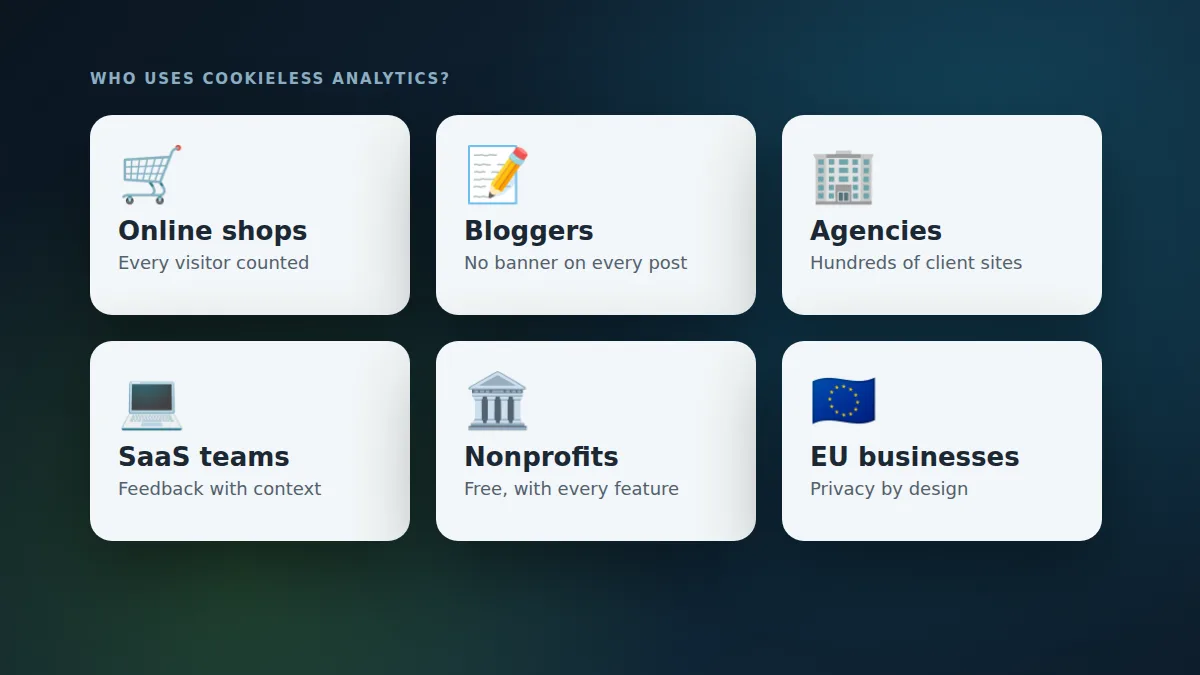
People look for cookieless analytics for very different reasons. Some want to get rid of a cookie banner, some run hundreds of client sites, some just want to know whether anyone reads their blog. Here's how different site owners use it, and a short checklist to pick the right tool.
Online shops: see every shopper, find what stops them
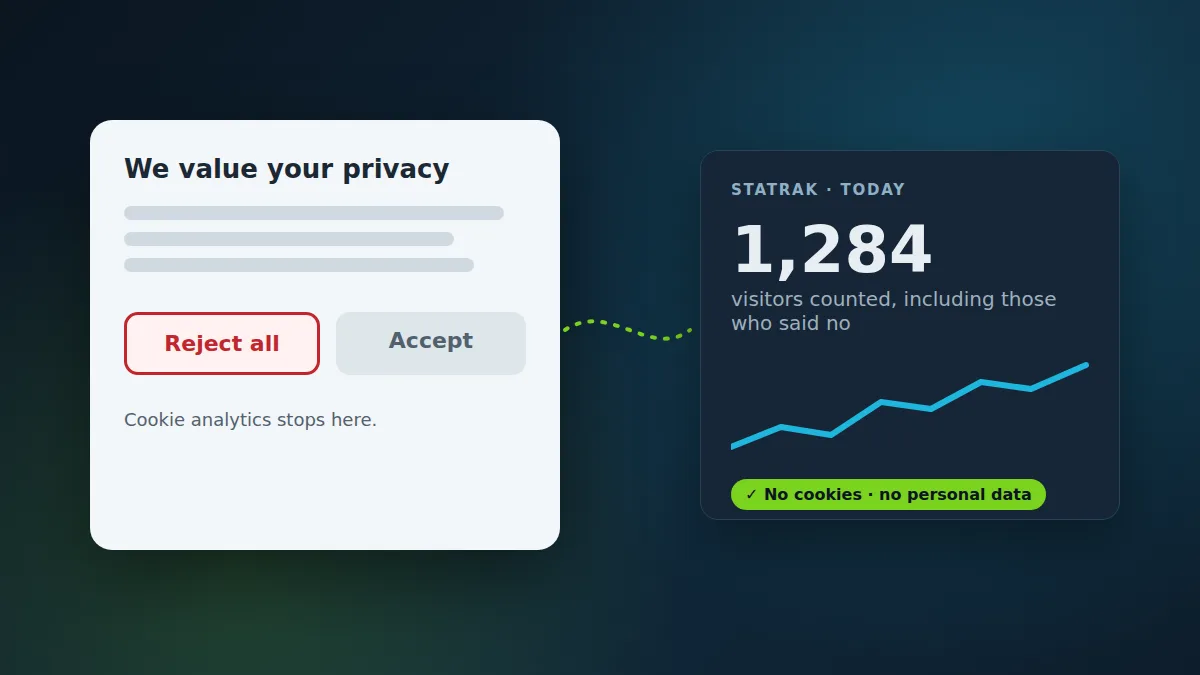
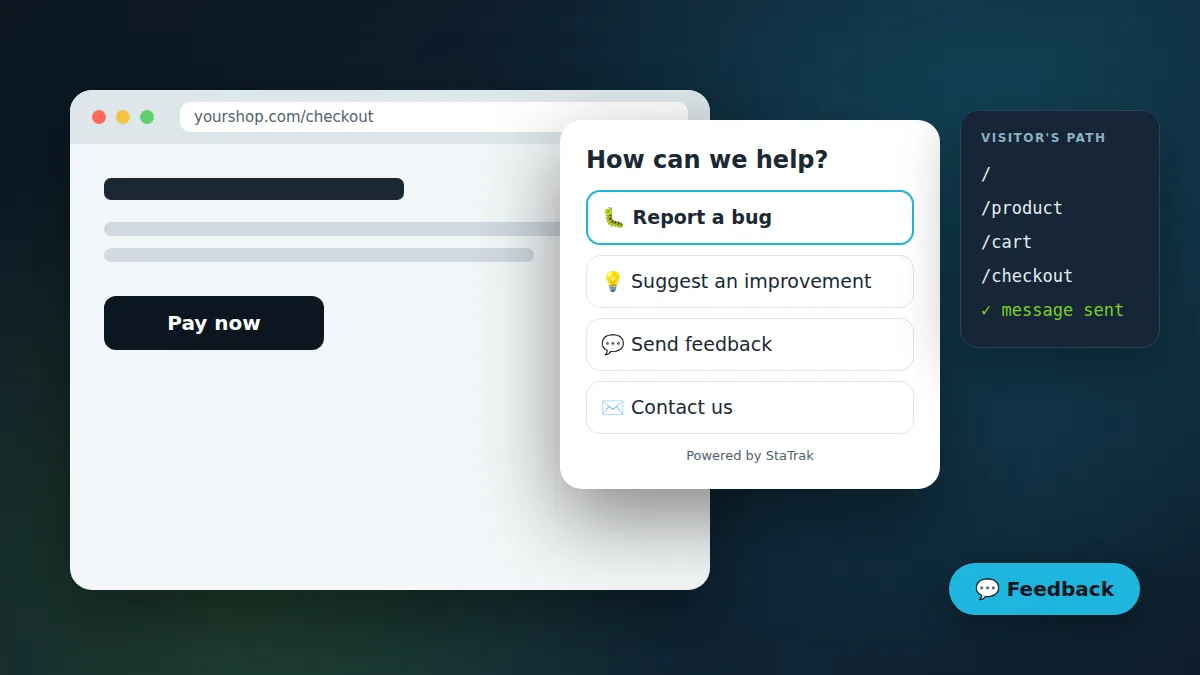
If a large share of shoppers reject cookies, cookie-based analytics undercounts exactly the traffic you're paying for. With cookieless analytics you see all visits to product pages and checkout, which campaigns bring buyers, and where people leave. Turn on the StaTrak feedback widget with a question like “What stopped you from completing your purchase?” and you'll hear it directly, with the visitor's path through your shop.
Bloggers and creators: no banner on every post
A cookie banner on every article is a bad first impression for readers who arrive from search. Cookieless analytics shows your most-read posts, how long people read, which searches and social posts bring them, and which countries read you, without the banner. A public stats page lets you share your numbers with sponsors in one link.
Agencies and portfolio owners: hundreds of sites, one dashboard
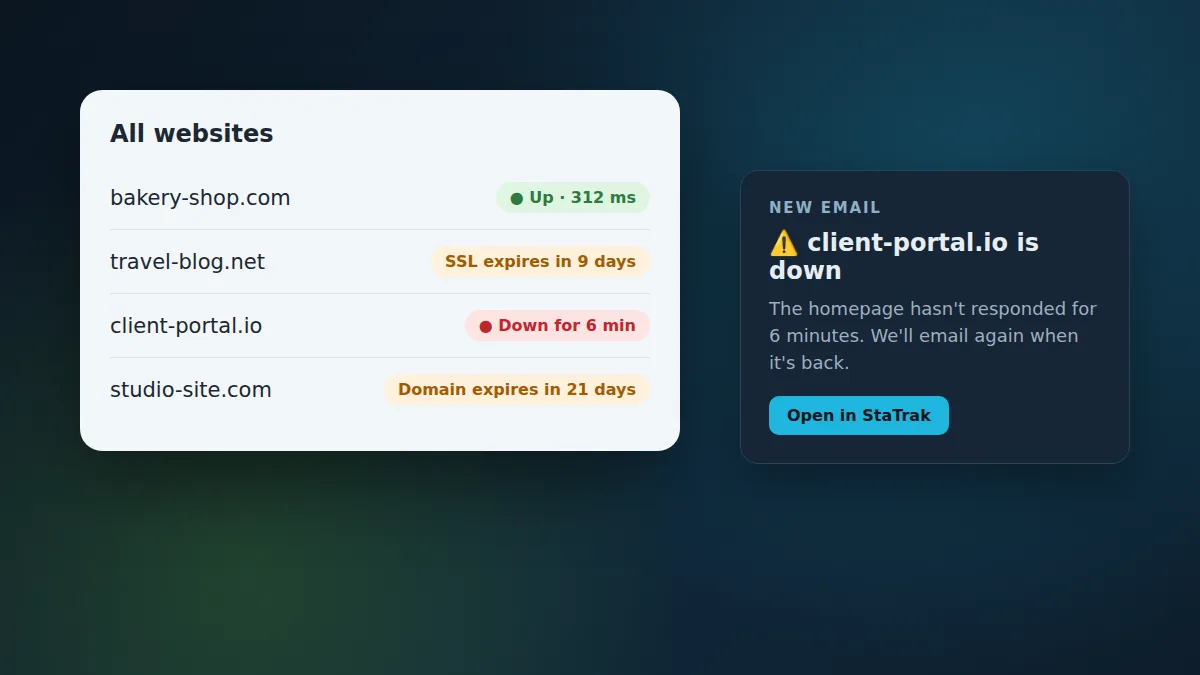
Managing analytics property by property doesn't scale. StaTrak puts every site in one account: one snippet with your account number works on all of them, new sites with the snippet are added and verified automatically, and the portfolio view shows which sites are growing, which dropped, and which are down or about to have an expired SSL certificate or domain.
SaaS and product teams: feedback with context
For marketing sites and docs, cookieless analytics answers “where do sign-ups come from and which pages convert?”. The feedback widget turns vague support emails into bug reports with the page, browser, device and the path the visitor took, so you can reproduce problems quickly.
Nonprofits, schools and public services
Organisations that serve the public often can't justify tracking people or paying per site. StaTrak is free with every feature, keeps no personal data, and makes it easy to explain your analytics in a privacy notice.
EU and UK businesses: privacy by design
Under GDPR and ePrivacy rules, avoiding cookies and personal data removes most of the compliance work around analytics. Your data stays aggregated and anonymous, and visits can't be linked across days.
How to choose: a 6-question checklist
- Does it work without cookies and without storing personal data? If not, you'll likely still need a banner.
- Is installation one line, on any platform (WordPress, Shopify, Webflow, React, plain HTML)?
- Can it handle all your sites in one account, with a portfolio view?
- Does it show what you actually use: pages, sources, campaigns, locations, devices and time on page?
- Does it tell you when a site breaks: downtime, SSL and domain expiry alerts?
- Can visitors tell you what's wrong, through a feedback or contact widget tied to the page they're on?
StaTrak was built to say yes to all six. It's free, and if you change your mind, removing it is deleting one line of code.