Guides · 8 min read
Google Analytics alternatives in 2026: a practical guide
Comparing simple, privacy-friendly Google Analytics alternatives on cookies, script size, ease of use, and handling many websites.
By the StaTrak team ·
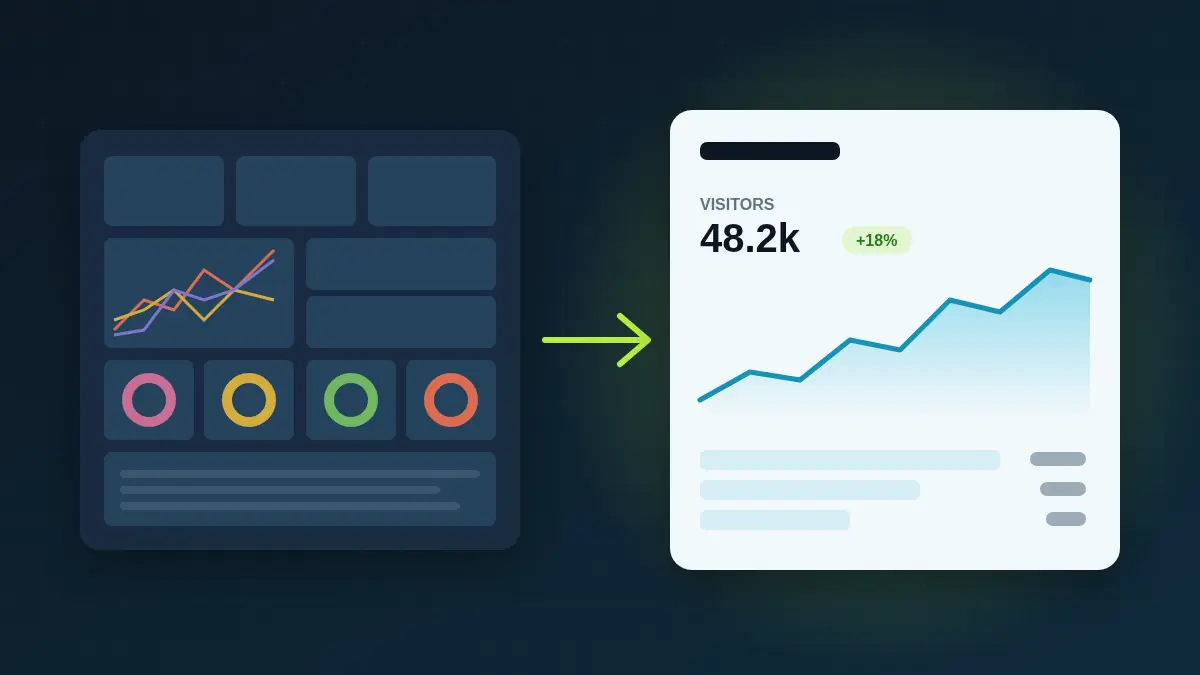
Google Analytics 4 is powerful, free and everywhere. It is also complex, built around cookies and event modelling, and often more than a small business, a blog or a domain portfolio needs. If you mostly want to know how many people visited, from where, and what they read, a lighter tool can be a better fit.
What to look for
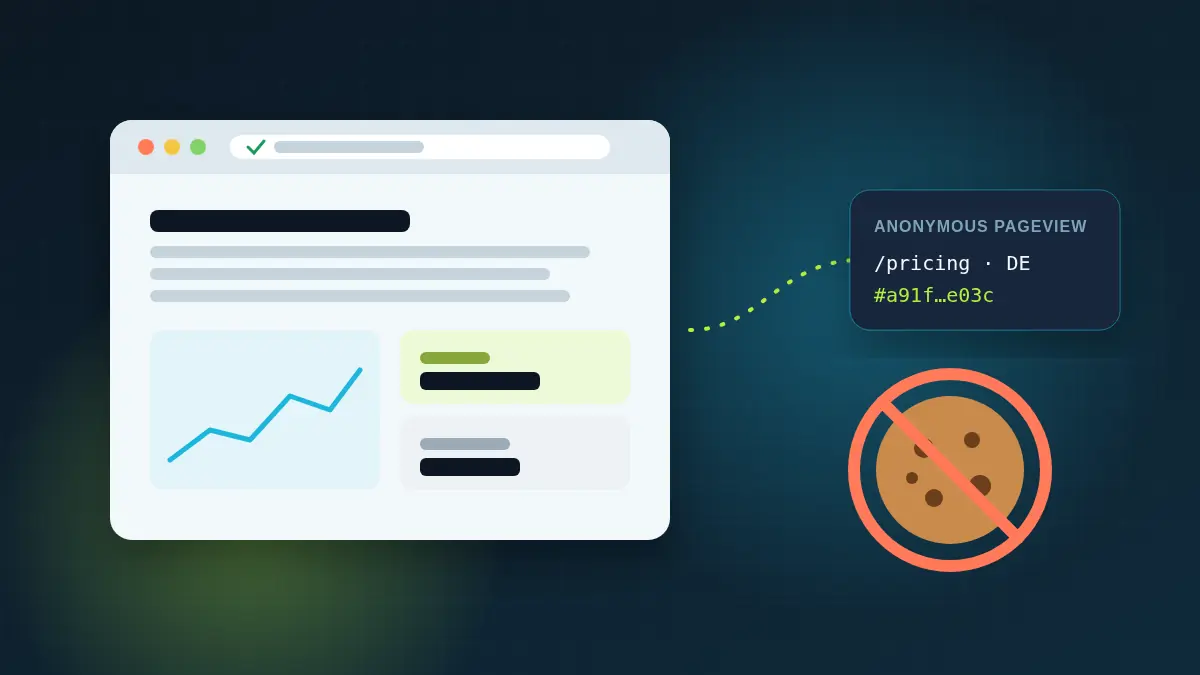
- Cookieless by default: no consent banner required just for analytics, and fuller data as a result.
- A small script: lighter pages load faster and help Core Web Vitals.
- A single, readable dashboard instead of reports you have to build.
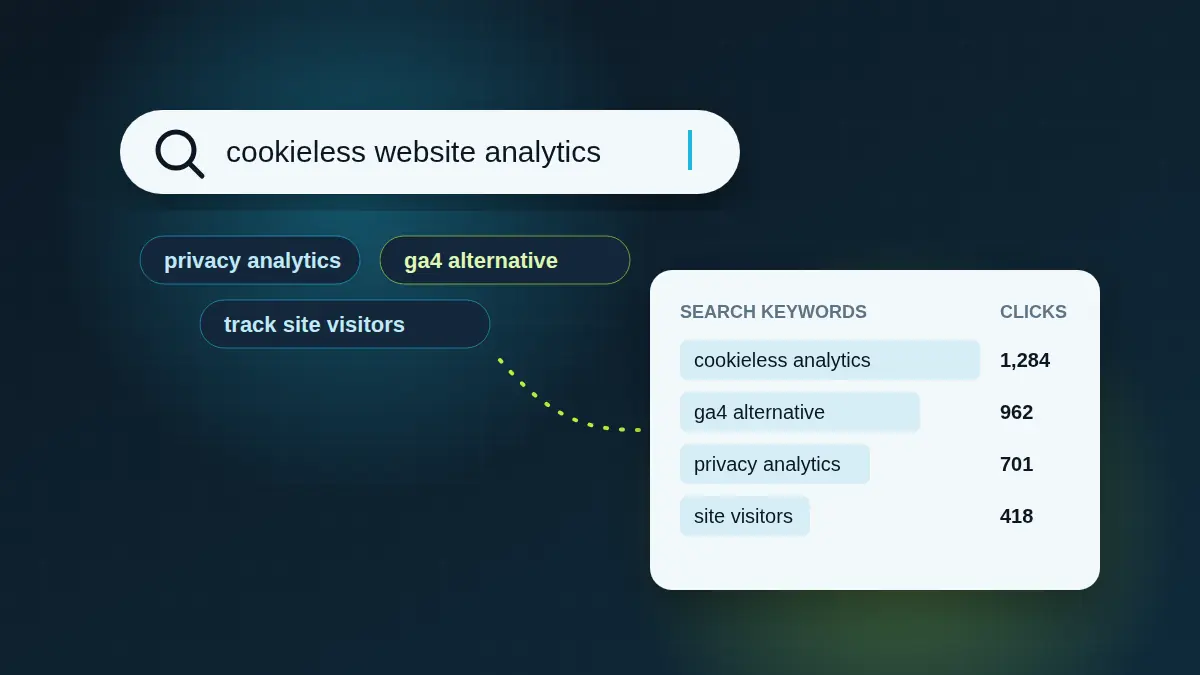
- Search keywords, so you can see what people searched for before they arrived.
- Multi-site management, if you run more than a handful of websites.
- Data ownership: clear retention rules and easy export.
The main categories
Privacy-first web analytics
Tools like Plausible, Fathom, Simple Analytics, Umami and StaTrak focus on aggregate traffic without cookies. They show one dashboard per site with visitors, pages, sources, locations and devices. Umami and Plausible can also be self-hosted.
Product and app analytics
Tools like Aptabase (built for mobile and desktop apps), PostHog and Mixpanel focus on events and funnels inside a product. They are a good fit for measuring feature usage, but more than you need for a marketing site.
Enterprise suites
Google Analytics 4 and Adobe Analytics offer deep segmentation and ad-platform integration, at the cost of complexity, consent requirements and a steeper learning curve.
Where StaTrak fits
StaTrak is built for people who run many websites: agencies, publishers and domain portfolio owners. Its portfolio view lists hundreds or thousands of sites with live visitors, trends and sparklines on one screen, and you can jump into any site's full report in a keystroke. Each report covers visitors, locations, pages, time on site, referrers and search keywords, without cookies.
Migrating without losing history
- Run the new tool alongside your old one for two to four weeks.
- Compare trends, not absolute numbers. Cookieless tools usually report more visitors because consent rejections and blockers no longer hide them.
- Export historical reports from the old tool for your archive.
- Remove the old tag and any consent prompts that existed only for it.